
Placement Test Instructions
Running Start Students
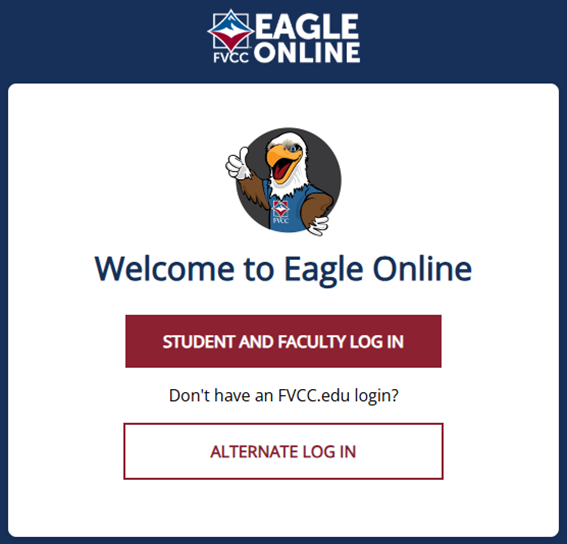
Log into Eagle Online.
Click on the “Student and Faculty Log In” button and follow prompts to enter your username and password.
If you have any trouble logging in, please reach out to itsupport@fvcc.edu or call (406)756-3930.

Once logged in, you will be directed to the “Dashboard” section of Eagle Online.
You will see the “Reading and Writing Placement” test. Click on the placement test tile.
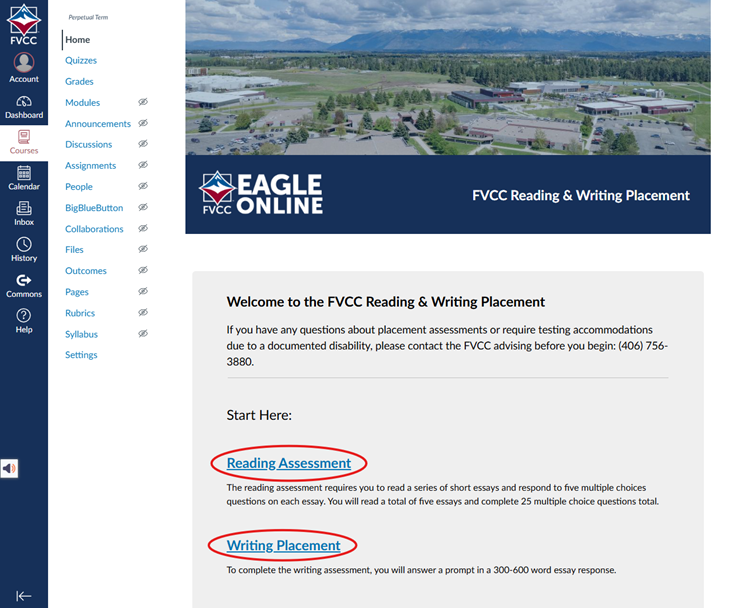
On the placement test page, scroll down, and you will see the two links for both of the tests you need to take (writing and reading).
There is a video available with additional test information.
Click on the links and complete the tests.
If you have questions, reach out to the Running Start team at runningstart@fvcc.edu.